

By Polco on July 16, 2026
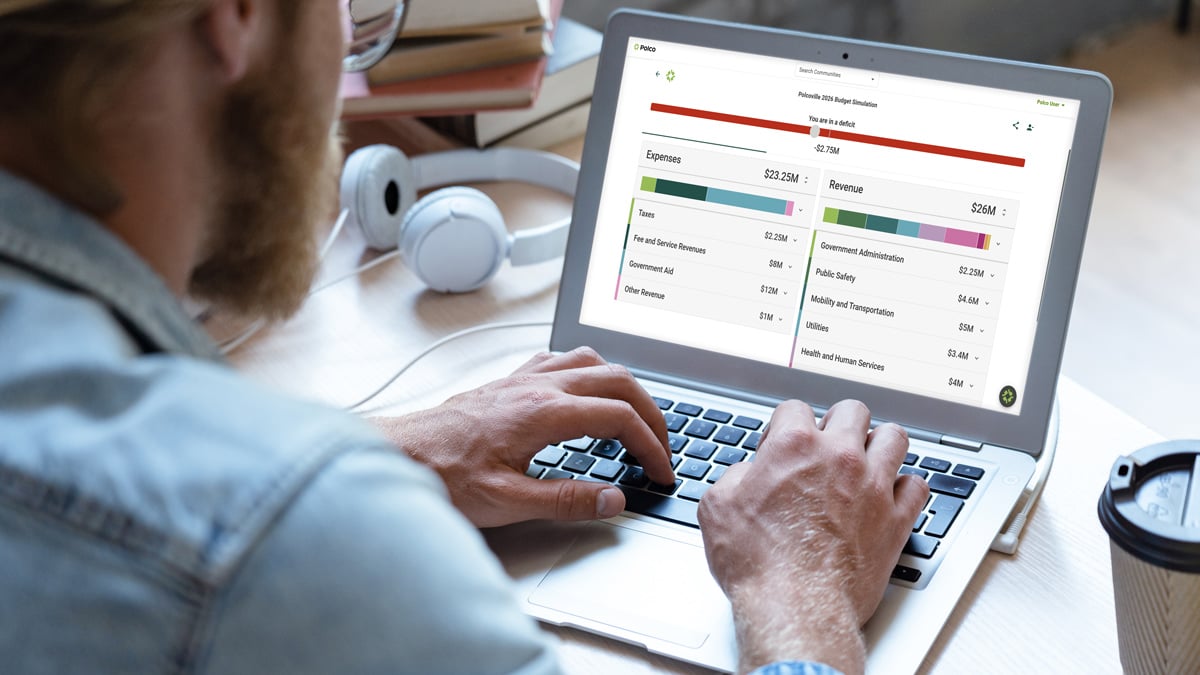
By now, the case for budget engagement probably isn't the sticking point. Most finance directors and city leaders already believe residents make better decisions when they work through real tradeoffs instead of reacting to a finished plan. The sticking point is almost always the same: who has time to build this?
That's a fair question, and it's the one this post is here to answer. Because the honest update is that launching a Budget Simulation today looks nothing like it did a few years ago. Here's exactly what standing one up actually takes.
Step one: pick a starting point, not a blank page
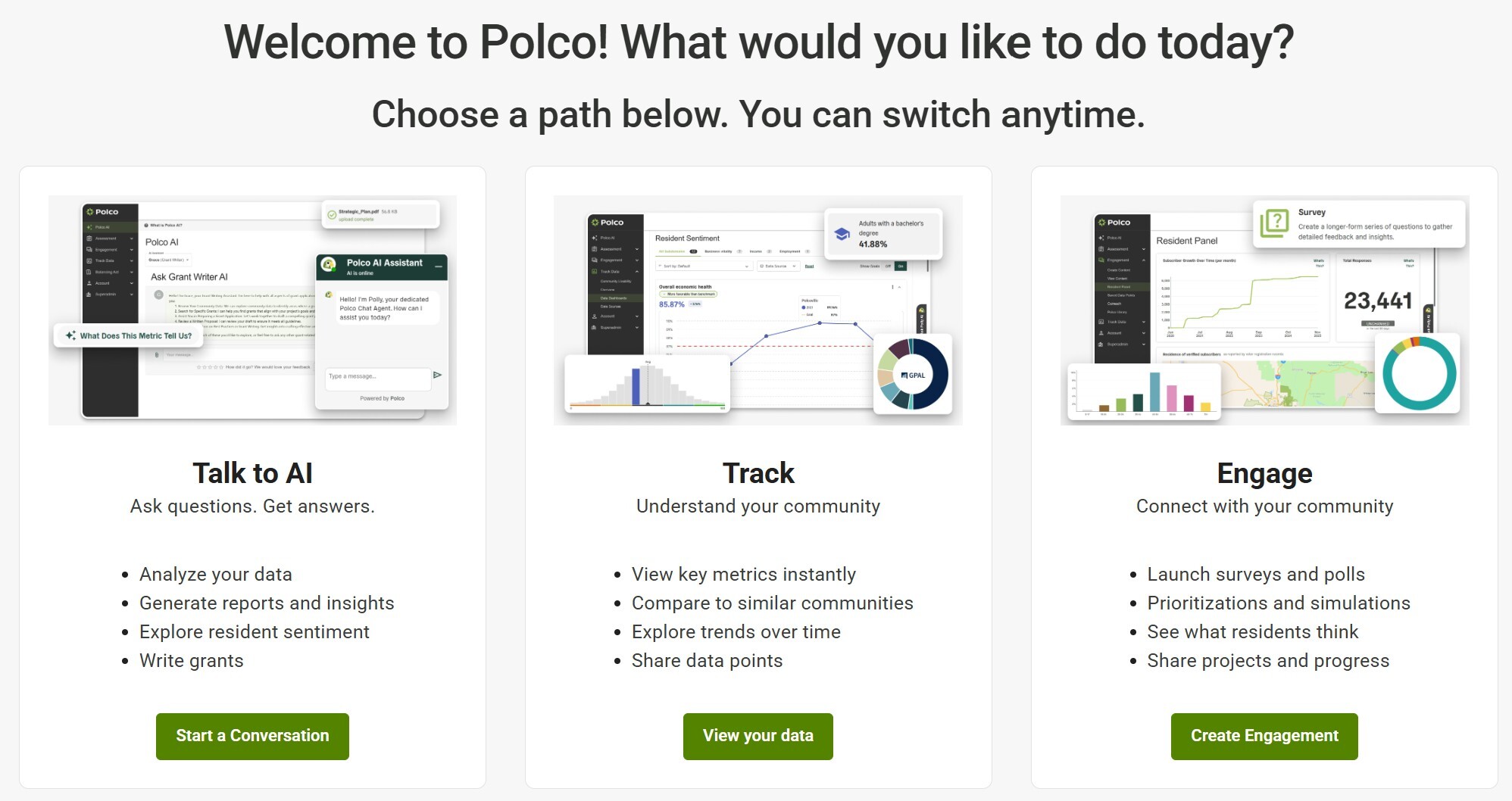
From the Polco engagement center, admins choose Simulation and then one of three paths. None of them require starting from nothing.
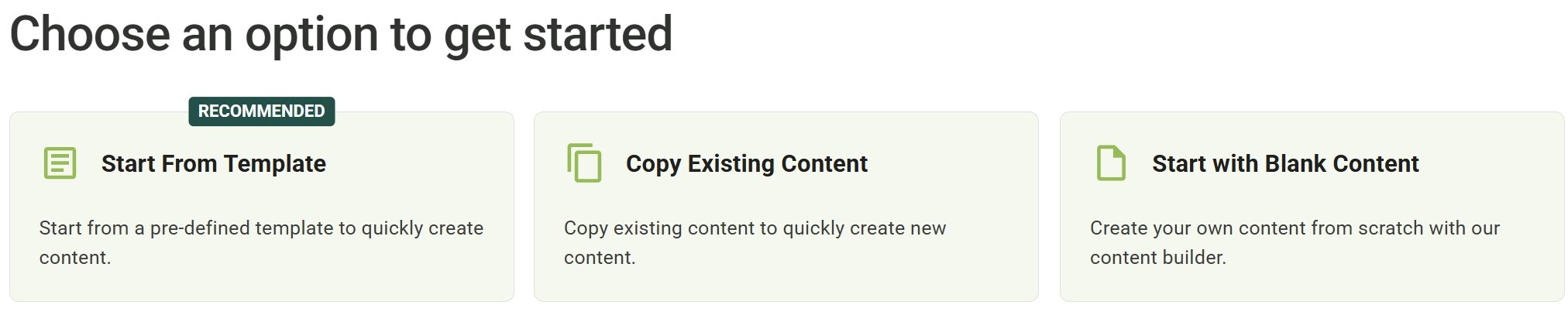
Start from a template. This is the recommended path, and for good reason. Polco offers a general Budget Simulation Template built for city and county budgets, and an LEA Budget Sim Template designed specifically for school districts and local education agencies. Both come pre-loaded with realistic category structures, revenue and expense groupings, and the framework you need to plug in your own numbers. You can preview a template before committing to it, so there's no guesswork about whether it fits your situation.
Copy an existing simulation. If your government ran a budget simulation last year, you don't need to rebuild it. Duplicate it, update the figures for the new cycle, and adjust anything that's changed. This is the fastest path for governments doing this annually.
Start with a blank canvas. For teams who want complete control over structure, the content builder is available. Most governments won't need this option, but it's there for unusual cases.
For a staff member who has never built one of these before, the template path removes the hardest part of the old process: figuring out how to structure a budget simulation from scratch. That work has already been done.
Step two: plug in your numbers, not your infrastructure
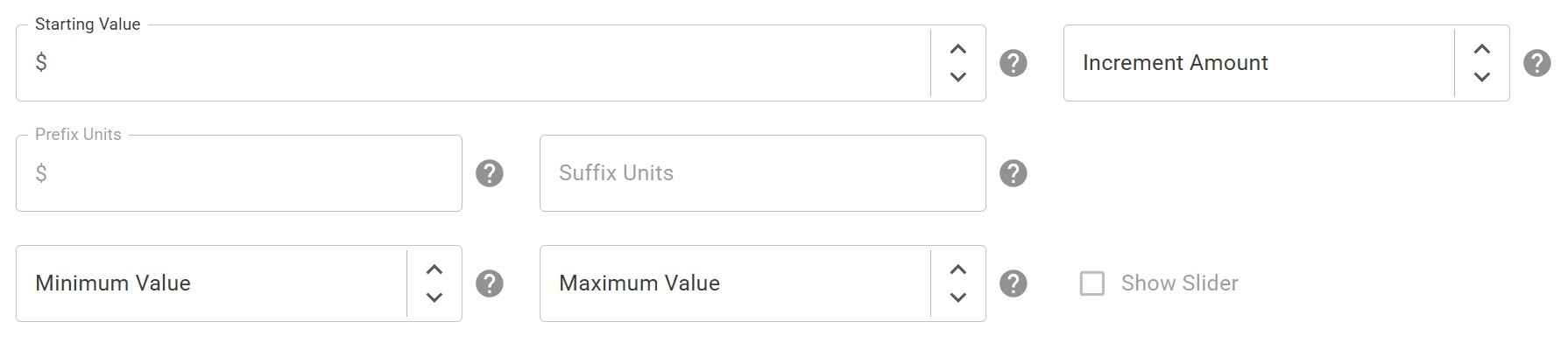
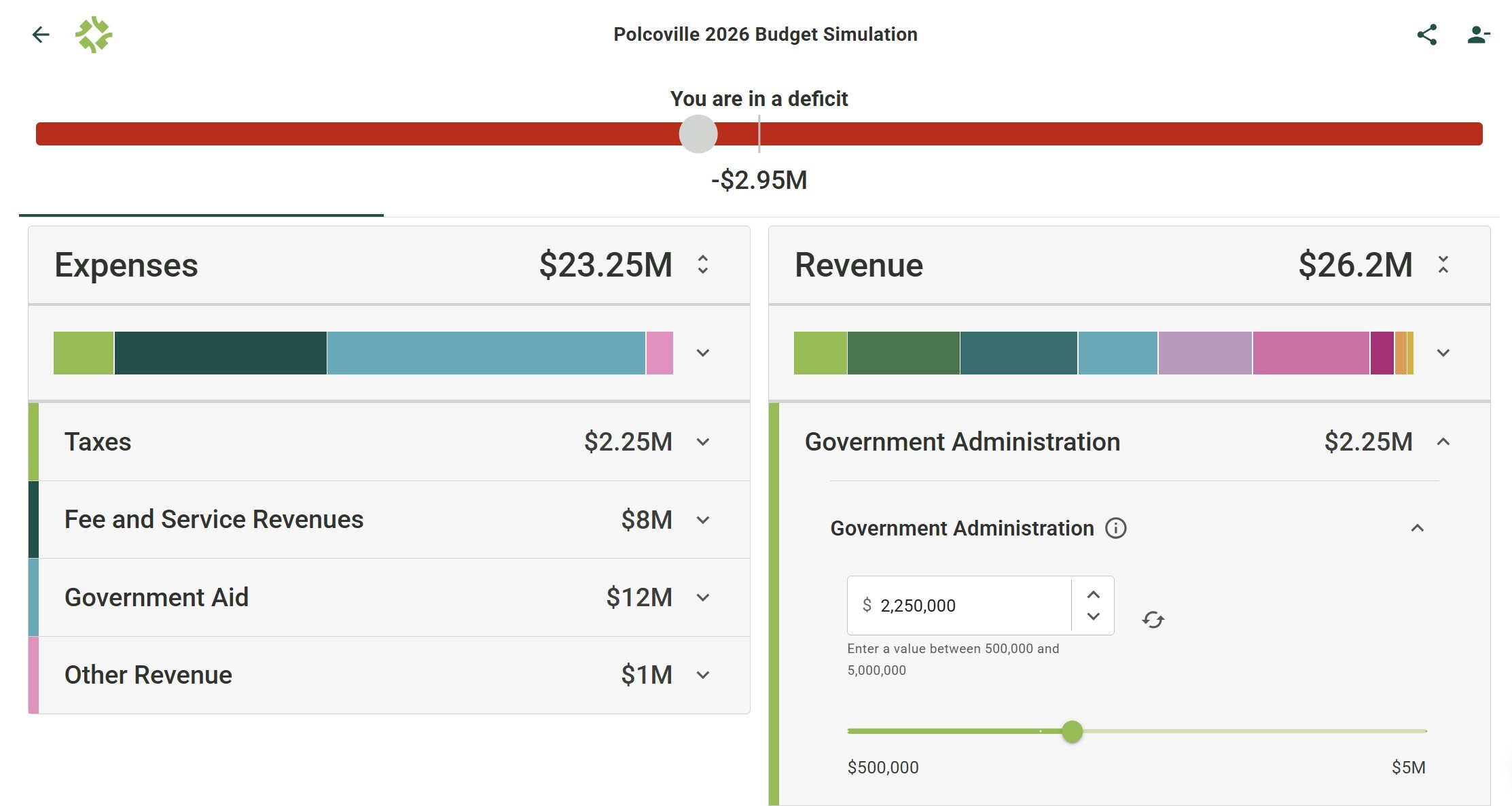
Once you've chosen a starting point, the structure is organized into Revenue and Expenses, each broken into categories like Public Safety, Utilities, Parks and Recreation, or Government Aid, with individual line items underneath. For each line item, you set:
- A starting value, the current or proposed amount residents begin adjusting from
- An increment amount, controlling how much each slider movement changes the number
- Minimum and maximum bounds, which double as an education tool since residents quickly see which line items have real flexibility and which don't
- A plain-language description and info tooltip explaining what the line item actually funds
This is the part of the process that used to take the most staff time, and it's also where AI assistance now does real work. Setup help can assist with configuring simulations, structuring your budget data, and even drafting the plain-language descriptions residents will read. If writing accessible descriptions for forty line items sounds like a week of work, it no longer has to be.
Step three: it plugs into what you already have
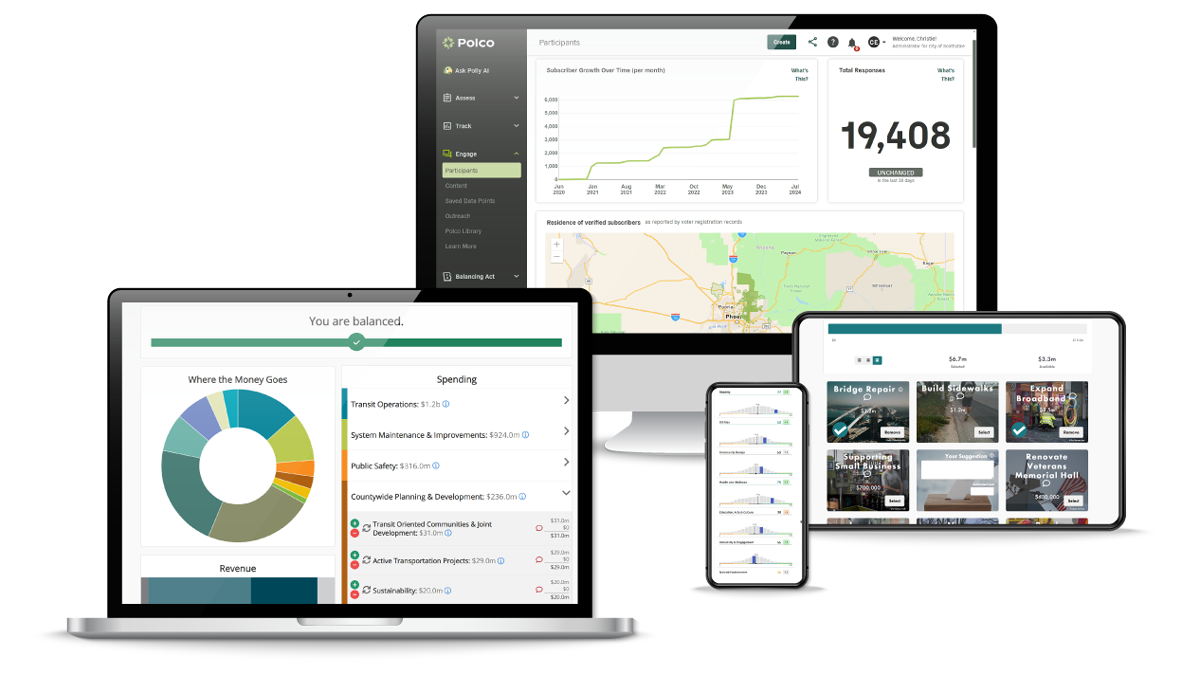
This is the part that's easy to underestimate until you're the one running it. Because Budget Simulation lives natively inside Polco rather than as a standalone product, it connects directly to infrastructure you may already be using: your benchmark survey data, your standardized demographic questions, your resident panels, your existing outreach tools, and Polco's broader AI capabilities.
Practically, that means you're not managing a separate login, a separate resident list, or a separate set of demographic categories. If you're already running community surveys or maintaining engagement panels through Polco, your simulation draws from the same foundation. There's no duplicate setup, and no reconciling two different sets of resident data afterward.
Step four: launch, and let the design do the work

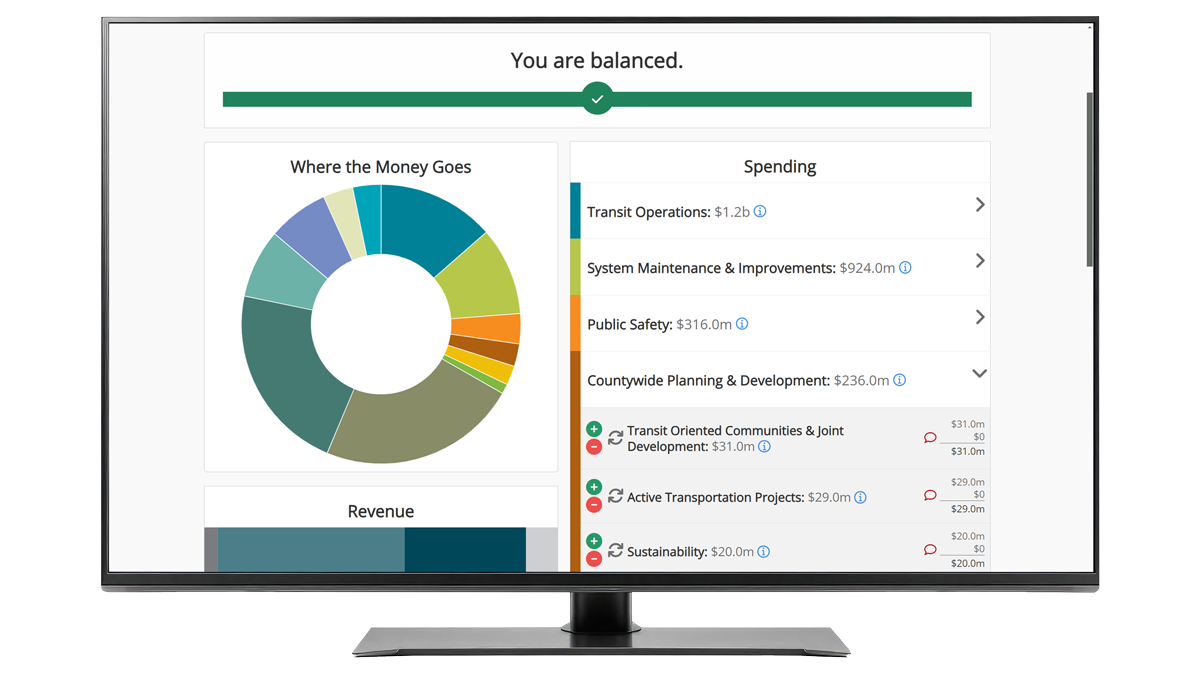
The resident-facing experience is built to require no instructions. A live balance bar at the top shows whether a resident's choices produce a balanced budget, a surplus, or a deficit, updating in real time as they adjust sliders. Info tooltips explain each line item without requiring residents to leave the page. A typical full budget simulation takes about ten minutes to complete, and it works on any device without a learning curve.
That simplicity on the resident side is only possible because of the setup work on the admin side, and that's exactly the work templates and AI assistance are designed to shorten.
Step five: read results built for real decisions, not a folder of raw data
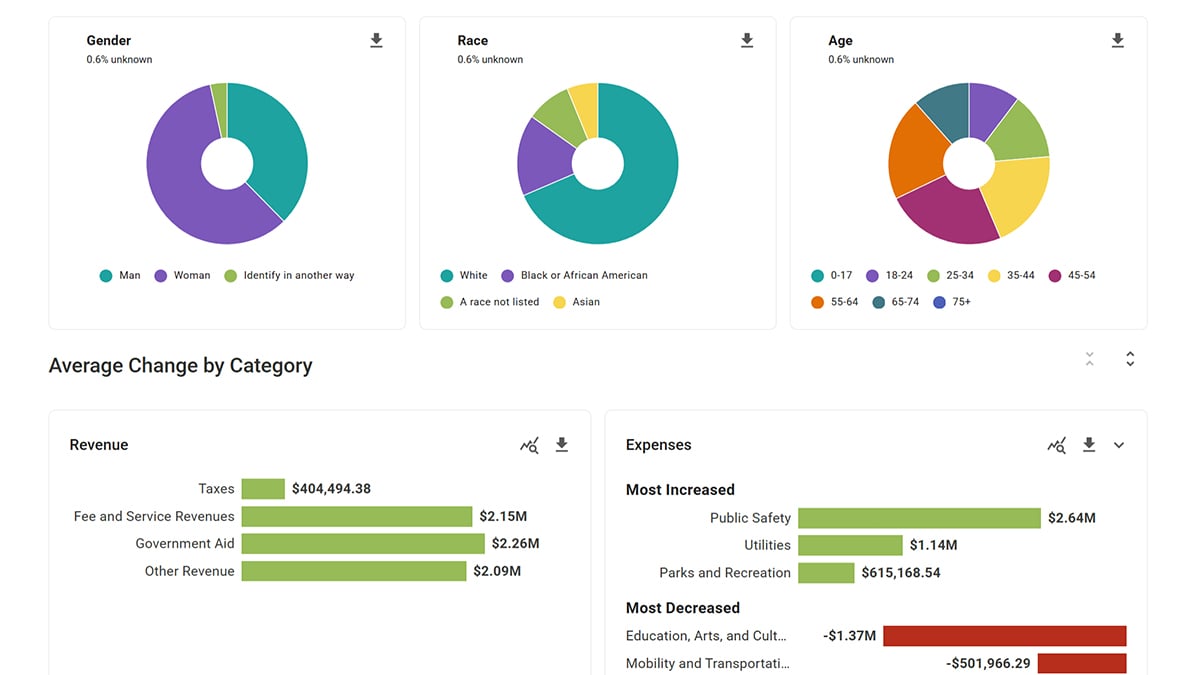
Once residents start submitting, the results suite does the heavy lifting. Automatic demographic weighting means results reflect your actual community, not just whoever happened to respond. You can see average changes by category in dollars and percentages, the full range of increases and decreases within each category, and a divisiveness analysis that shows elected officials exactly where consensus exists and where it doesn't. Every chart exports directly for council packets or public presentations, and Polly, Polco's AI analytics assistant, is available in-product to help you interpret what the data is actually telling you.
None of that requires a data analyst on staff. It's built to be usable by whoever is running your engagement program, whether that's one person in a communications role or a full finance team.
The honest time investment
Here's the direct answer to the original question. A government starting from a template, with reasonably organized budget data already in hand, can realistically go from first login to a launched simulation in a matter of hours, not days, not weeks. Governments running an annual cycle and duplicating a prior simulation can often turn one around in a single afternoon.
That's a fundamentally different equation than the one many finance directors remember from a few years ago, when building a budget engagement tool meant a multi-week project with real opportunity cost attached. The effort objection that used to be a legitimate reason to wait no longer holds up the way it used to.
Where to start
If you're convinced residents deserve a better way to engage with your budget, the only remaining question is timing. Given how much of the setup burden has been removed, there's a reasonable case for starting with your very next budget cycle rather than waiting for the one after that.
Ready to see how fast this actually goes?
Request a Demo or Try Polco Free to explore the templates, the results suite, and everything in between.
What Residents Learn When You Show Them the Trade-Offs
5 Lessons Cities Learned From Opening Their Budget Process to the Public